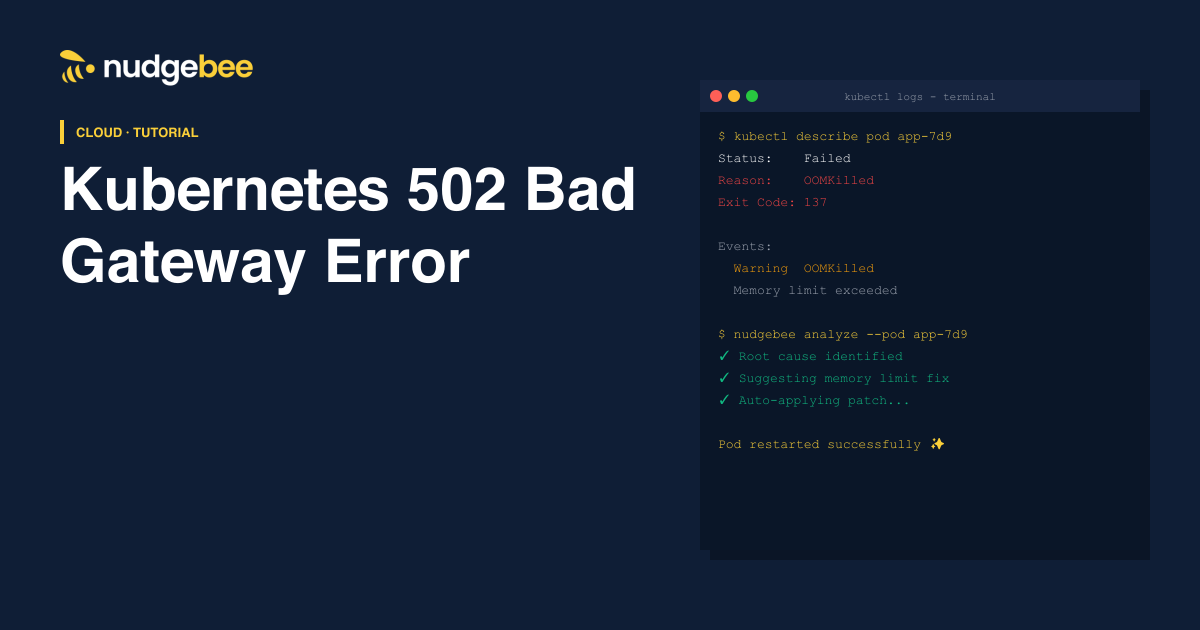
Seeing a 502 Bad Gateway error in Kubernetes usually means a service or ingress could not properly connect to your application.
This error is common in:
- Kubernetes clusters
- NGINX Ingress setups
- microservices environments
In most cases, the issue comes from:
- unhealthy pods
- service misconfiguration
- ingress routing problems
- application crashes
What is a 502 Bad Gateway Error in Kubernetes?
A 502 Bad Gateway error happens when:
an ingress controller or proxy receives an invalid response from the backend service
Simple explanation:
The request reached Kubernetes, but Kubernetes could not get a proper response from your application.
Common Causes of Kubernetes 502 Bad Gateway Errors
1. Pod Crashes or Unhealthy Pods
If backend pods are:
- crashing
- restarting
- failing health checks
the ingress cannot forward traffic correctly.
Check pod status:
kubectl get pods
2. Service Configuration Issues
Incorrect:
- port mapping
- selectors
- targetPort values
can break communication between services and pods.
Check service config:
kubectl describe svc <service-name>
3. NGINX Ingress Misconfiguration
A wrong ingress rule can cause:
- failed routing
- backend connection errors
Check ingress:
kubectl describe ingress
4. Application Not Listening on Correct Port
Your container may be running, but:
- app listening port ≠ Kubernetes service port
This is one of the most common causes.
5. Readiness Probe Failures
If readiness probes fail:
- pod is removed from endpoints
- ingress gets no healthy backend
Check events:
6. Readiness Probe Failures
If readiness probes fail:
- pod is removed from endpoints
- ingress gets no healthy backend
Check events:
kubectl describe pod <pod-name>
How to Fix Kubernetes 502 Bad Gateway Errors
1. Check Pod Health
kubectl get pods
Look for:
- CrashLoopBackOff
- OOMKilled
- restarting containers
2. Verify Service Endpoints
Check if service has active endpoints:
kubectl get endpoints
No endpoints = service cannot reach pods.
3. Inspect Ingress Configuration
Verify:
- host rules
- service names
- backend ports
Example:
backend:
service:
name: app-service
port:
number: 80
4. Review Application Logs
Logs often reveal:
- startup failures
- database connection issues
- port binding errors
Check logs:
kubectl logs <pod-name>
5. Validate Readiness & Liveness Probes
Incorrect probes can remove healthy pods from traffic.
Example:
readinessProbe:
  httpGet:
    path: /health
    port: 8080
Kubernetes 502 Bad Gateway Troubleshooting Checklist
Before escalating the issue, verify:
- pod status
- service endpoints
- ingress configuration
- application logs
- probe health
- backend ports
Best Tools to Detect and Prevent Kubernetes 502 Errors
1. NudgeBee
NudgeBee helps teams:
- detect ingress failures early
- analyze root causes automatically
- reduce MTTR
It combines:
- observability
- AI diagnostics
- incident workflows
2. Datadog
Useful for:
- Kubernetes monitoring
- logs and metrics
3. Prometheus + Grafana
Popular open-source monitoring stack.
Useful for:
- pod metrics
- cluster visibility
- alerting
FAQs
Common causes include:
- unhealthy pods
- ingress issues
- service misconfiguration
- failed readiness probes
- check pod health
- validate ingress rules
- inspect logs
- verify service endpoints